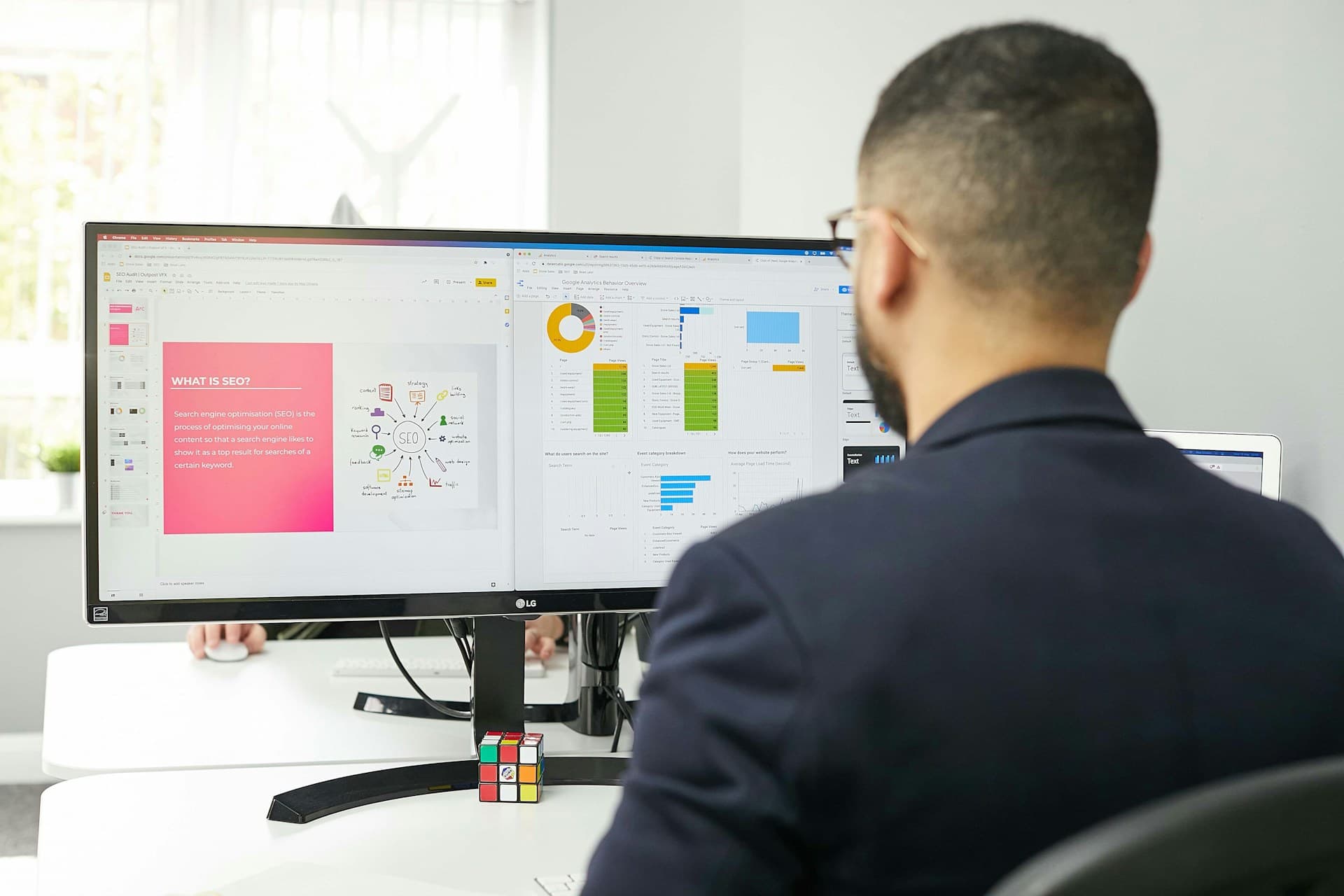

Keeping work organized is part of the job, but for assistants, things move fast. Numbers shift, goals change, updates stack up, and sometimes it feels like we’re holding ten threads at once. When it’s time to report on progress or check in on a project, pulling everything together can take too long if the tools aren’t right.
That’s where the right setup makes a difference. Good KPI tracking software doesn’t add extra steps, it cuts them out. It brings the most important details to the front and makes routine tasks feel easier. We rely on systems that help us stay focused, work faster, and spot what’s going well before it becomes a question.
Clear and Simple Dashboards
Any tool is only helpful if it’s easy to read. For assistants who are already juggling a lot, a cluttered dashboard just slows things down. We want to open a report and understand it in seconds, not sort through filters or extra layers.
- Numbers should show up in one spot, not hidden behind three clicks
- Charts that use colors or small visuals help us read trends instead of staring at rows
- Common goals should always be visible, so we aren’t hunting around for updates
When a dashboard is clean and consistent, it tells us what’s changing, what’s steady, and what needs a second look. It doesn’t need to be fancy. It just needs to work without making us think too hard. Over time, that kind of setup gives us more time to focus on what’s next instead of checking small things over and over.
Anlytic’s KPI tracking software provides real-time dashboards, clean visualizations, and configurable homepages, letting assistants quickly see current goals and trends every day, without complicated menus or extra steps.
Automatic Updates Save Time
We all know the scramble that happens when someone asks for numbers and we’re not sure if they’re current. Manually grabbing numbers from different tools or spreadsheets adds pressure, especially late in the day. This is where automation matters.
- When data pulls in on its own, we don’t have to track it down or wonder what’s missing
- Auto-refreshing dashboards make it easy to share updates that are already current
- Trusting the timing of updates means fewer double-checks and fewer late corrections
KPI tracking software should do the hard part for us. Tasks like syncing numbers between tools or pulling fresh data from weekly reports shouldn’t need our input every time. Using software that automatically keeps things up to date turns last-minute requests into quick answers. That can make busy weeks feel lighter and lets us respond with less delay.
As the demands on assistants increase and the pace of work keeps rising, tools with automatic update features grow even more important. Instead of worrying about whether a chart is out of date, it becomes easy to trust that what you see is always the latest version. The peace of mind this creates helps us handle urgent asks without second-guessing, and it makes sending updates to others a breeze.
Reminders and Alerts Keep Work on Track
With so much happening at once, it’s easy to lose track of one small task until it becomes a big one. That’s where alerts and reminders come in. They’re not just useful, they help us catch things before they fall behind.
- We can set quick reminders right inside the dashboard, so no task gets buried
- If a number dips below a target or spikes past a goal, alerts help flag it early
- Notifications can nudge us to check in before things drift too far from plan
Staying on top of shifting priorities means catching small changes before they become problems. These simple extras make it easier to work ahead instead of playing catch-up. Handled well, they don’t interrupt, they guide. And we’re better able to answer questions, prep teams, and step in before someone else notices something’s off.
Anlytic includes automated alerts and recommendations powered by AI, so assistants get notified immediately on changes or anomalies, making reporting and follow-up work smoother.
The nice part about well-built reminders and alerts is that they move with your workflow. Visual or email notifications don’t need to be loud or intrusive to be helpful, and they’re often easy to set up. It’s one of those small features that can make the difference between missing a deadline or beating it.
Sharing and Team Access is Easy
It doesn’t help if we have the right numbers but no fast way to pass them on. Assistants often need to move updates between people. Passing along information can turn messy when we’re copying screenshots, writing summaries, or digging through emails to find the latest version.
- Dashboards that allow quick sharing take that step off our plates
- Access settings help us control who sees what without making it complicated
- Standard views keep everyone looking at the same story, no confusion, no backtracking
When we can share a link or grant access with a click, handoffs go faster. People don’t need things explained twice. Having the right people see the right parts of a report means fewer misunderstandings, and we don’t waste time repeating updates. What would have taken us fifteen minutes each day now takes less than one. That kind of reliability starts to matter a lot, especially in heavier seasons or when the calendar gets crowded.
Anlytic’s platform simplifies report distribution with role-based access and easy sharing, so everyone stays up to date with a single source of truth.
Sharing information quickly isn’t just about saving time. It cuts back on miscommunication and prevents errors that might come from different versions of data floating around. With everyone on the same page, assistants can be sure teams and decision-makers always see the most accurate numbers.
Smooth Tools Make a Big Difference
The best tools don’t try to do everything all at once. They just work in ways that make daily jobs feel a little easier. We don’t need something that looks impressive if it takes too long to figure out.
- Clear dashboards help us see what changed and what didn’t without scanning
- Smart updates mean we work with the latest info without chasing it down
- Useful alerts and easy sharing keep us a step ahead of deadline stress
There are always a lot of smaller tasks happening behind the scenes. What makes software reliable is how well it supports those smaller efforts without piling extra work on top. We need confidence in the tools we use so we can focus on supporting others, not fixing dashboards, checking errors, or chasing numbers.
When things are running smoothly behind the screen, it shows up in everything else. Messages go out faster, reports sound clearer, updates hit on time, and we can keep pace without worrying something got missed.
A good system doesn’t just help us track goals. It helps us manage our day without stress.
At Anlytic, we understand how much smoother your day runs when your tracking tools work seamlessly. Tools that highlight key metrics, update effortlessly, and make sharing information easy create a noticeable difference behind the scenes. For those looking to stay ahead of changing goals, the right KPI tracking software streamlines the process and keeps your team on track. Let us know how we can support your business.