
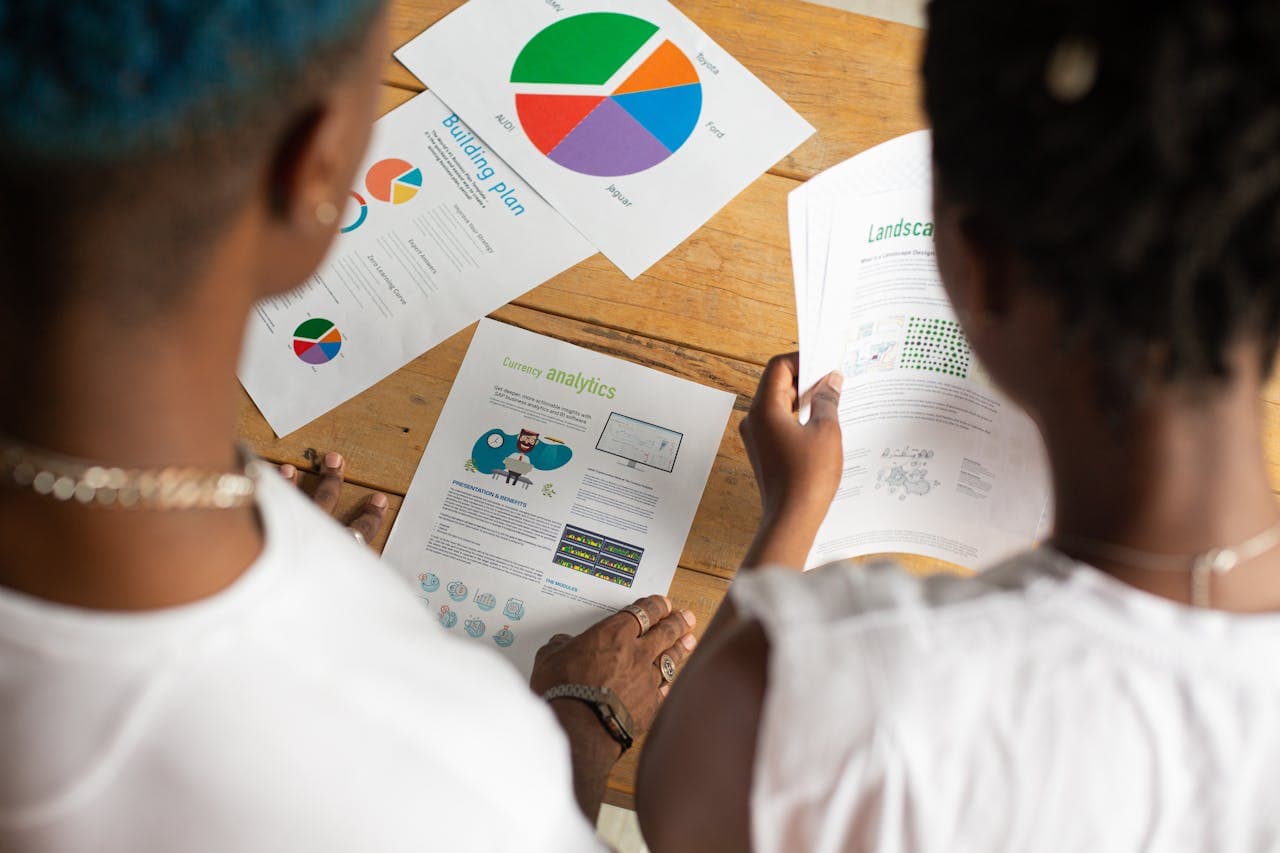
Every month brings a new focus, budgets, campaigns, hiring, holidays. As those shifts happen, the way we track progress needs to adjust too. A dashboard reporting tool can help us stay on track no matter what’s happening each season. But it only works well if we use it year-round, not just when things get busy.
By keeping dashboards active through slow seasons and fast ones, we give our teams room to make smarter choices without starting from scratch every time. Winter planning feels easier when the tools we use in spring are still accurate and clear. It’s not about adding extra work, it’s about building habits that work no matter what’s going on.
Build a Foundation That Works in Any Season
A dashboard is only as helpful as the way it’s set up. If we wait until peak season to clean things up or clarify what matters, it often slows the whole team down. That’s why doing the base work early saves time later.
- Set up views that are clean and easy to understand, even at a glance
- Use labels, colors, and grouping so updates make sense without long explanations
- Keep a basic structure that doesn’t need heavy changes when projects shift
We’ve noticed that steady dashboards help even more when team members are on vacation or when schedules shift around the holidays. Instead of guessing where to look for answers, the dashboard gives everyone the same starting point. No one wastes time looking in the wrong place.
And when people join or move to new roles, they don’t need a deep tutorial to catch up. Dashboards that stay consistent give everyone a shared language, no matter the season.
With Anlytic, you can set up universal or role-based dashboards that update with live data from key tools like Salesforce, HubSpot, and Google Analytics, ensuring teams always work from the latest numbers regardless of the time of year.
Match Views to What Matters Right Now
Not every part of the year looks the same. Some months are all about reporting. Others are full of launching new things. If our dashboards don’t match those shifts, we either stop using them, or clutter them with stuff that doesn’t help.
- Budget season views might focus more on cost tracking or forecasts
- Busy sales months might switch focus to orders coming in or inventory status
- Late-year planning could shift attention to high-level trend reports
One of the hardest parts is finding the right balance between having flexibility and keeping dashboards clean. We try to avoid dashboards stuffed with every possible chart. Instead, we stick to flexible layouts that can be adjusted without starting from scratch.
It also helps to create role-based views. Our finance team doesn’t need the same daily feed as operations or support. Letting each group see what helps them makes it easier for everyone to work without stepping on each other’s toes.
With Anlytic’s permissions, you can share unique dashboards with different groups or customize reports for campaigns, operations, or finance teams all from one platform.
Use Regular Check-Ins to Keep Data Fresh
Even great dashboards get messy if no one checks in on them. Over time, some charts stop being useful, filters break, or the wrong data gets pulled in. The best way to catch those issues is to check in often, even if it’s for a few minutes.
- Review key dashboards at the start of each new quarter or season
- Remove views that aren’t being used to keep things clean
- Fix filters and labels that no longer make sense or are tied to old projects
When we keep dashboards tidy, they become something the whole team can trust. That trust makes it easier to see small changes before they turn into problems. For example, spotting a slowdown in one part of the process early often means we can fix it without a big meeting or last-minute scramble.
The more we treat dashboards like part of the regular workflow (not just a reporting task), the easier it is to build good habits around them.
Turn Seasonal Patterns Into Long-Term Wins
One of the best parts of using a dashboard reporting tool all year is that we start to see big patterns. Instead of reacting to surprises, we can make choices based on how things usually go during each season.
- Track repeating patterns like slower sales in winter or hiring spikes in summer
- Use year-over-year comparisons to shape smarter plans for next time
- Turn quick weekly snapshots into longer reports for planning across teams
It’s really hard to improve planning if we only rely on our memory or dig through dozens of files. Dashboards give us a fast way to look back without having to rebuild reports every time. And real-time data often makes the trends clearer than waiting for someone to make a slide deck weeks later.
By collecting and reviewing seasonal trends, we can set yearly goals with more confidence. Patterns are easier to manage when we can compare them without guessing.
Clearer Views Lead to Smarter Choices All Year
A dashboard that’s used all year doesn’t need a fresh start every time a new project comes along. It already has the information and structure we need. More than anything, that kind of consistency helps a team feel grounded.
When dashboards keep pace with our needs, during busy months or quiet ones, it lowers stress and cuts down on wasted time. Everyone has a clearer view of what’s working, what needs attention, and what to do next.
That kind of steady reporting makes the whole year smoother. And with the right dashboard reporting tool in place, we don’t have to guess where we’re headed. We can see it, all in one place. Anlytic can help make that easier.
Keeping your data clear and current is easier with tools that adapt as your priorities evolve. Our solutions are designed to provide simplicity and flexibility throughout the year, so your team can stay productive no matter what changes come your way. A practical first step is choosing the right dashboard reporting tool that matches how your organization operates. At Anlytic, we’re committed to helping you make faster, more informed decisions with less uncertainty. Contact us today to discuss how we can support your team’s needs.